
Tasty Meal Plans That Do the Thinking for You
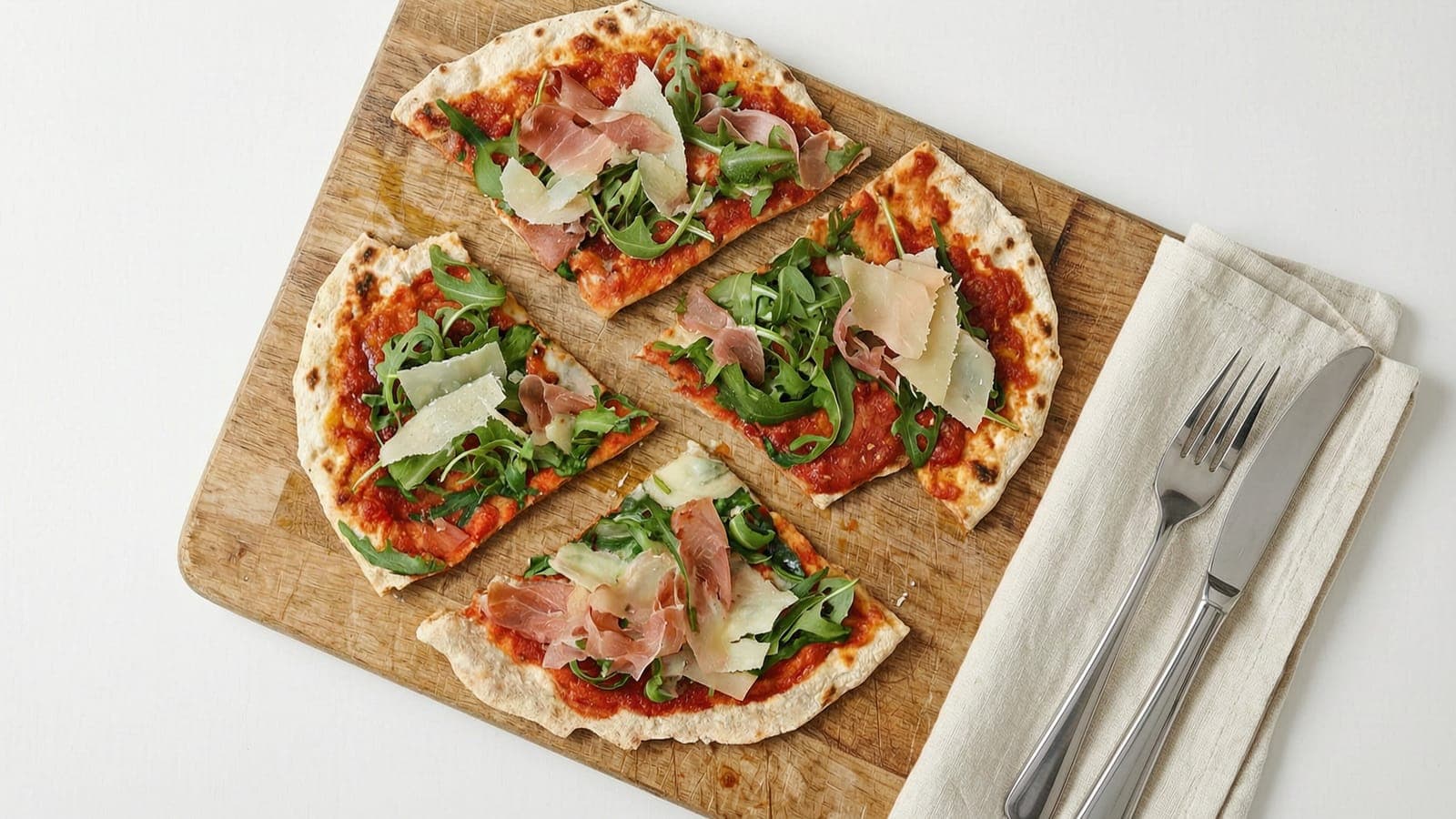
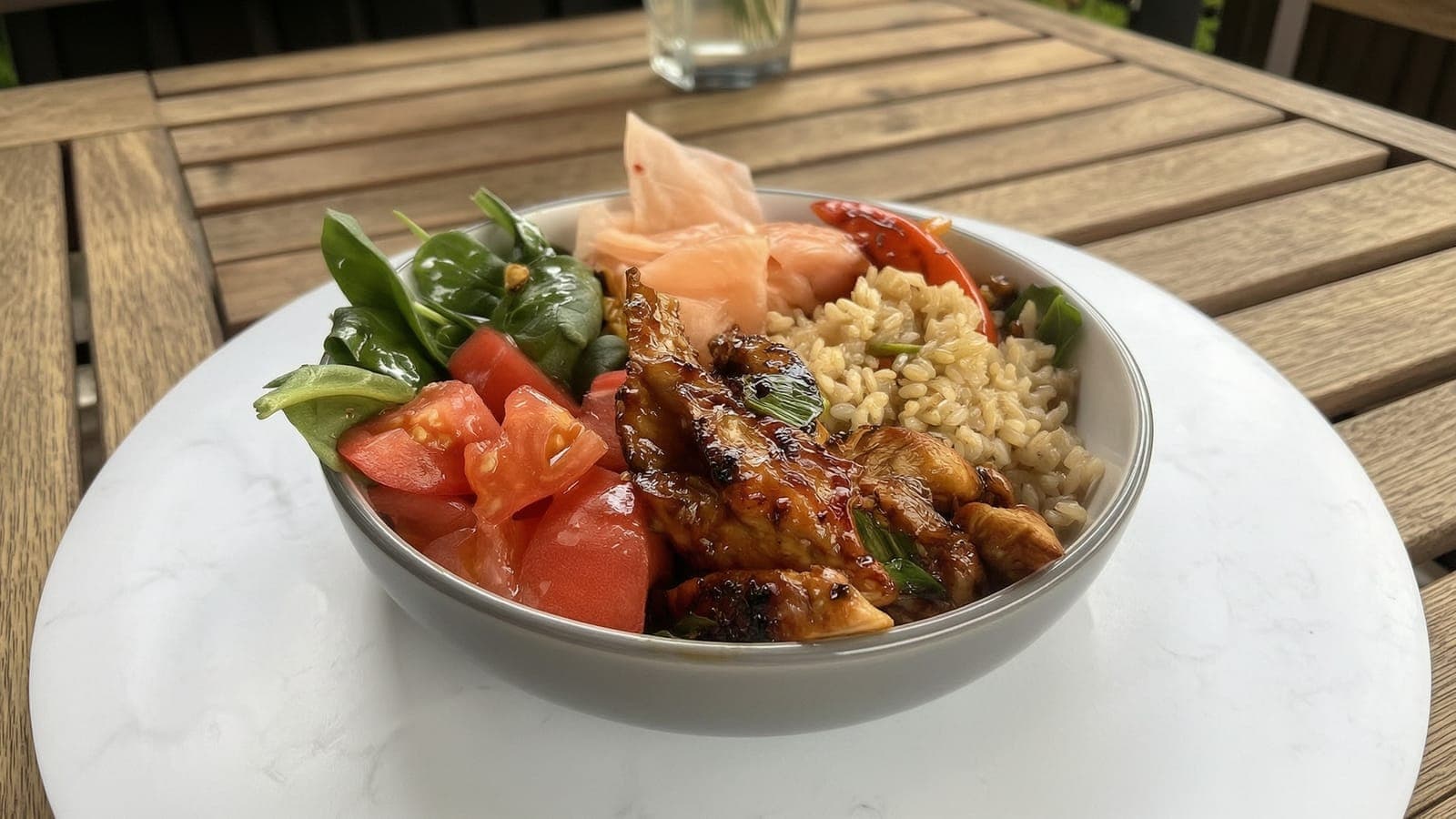
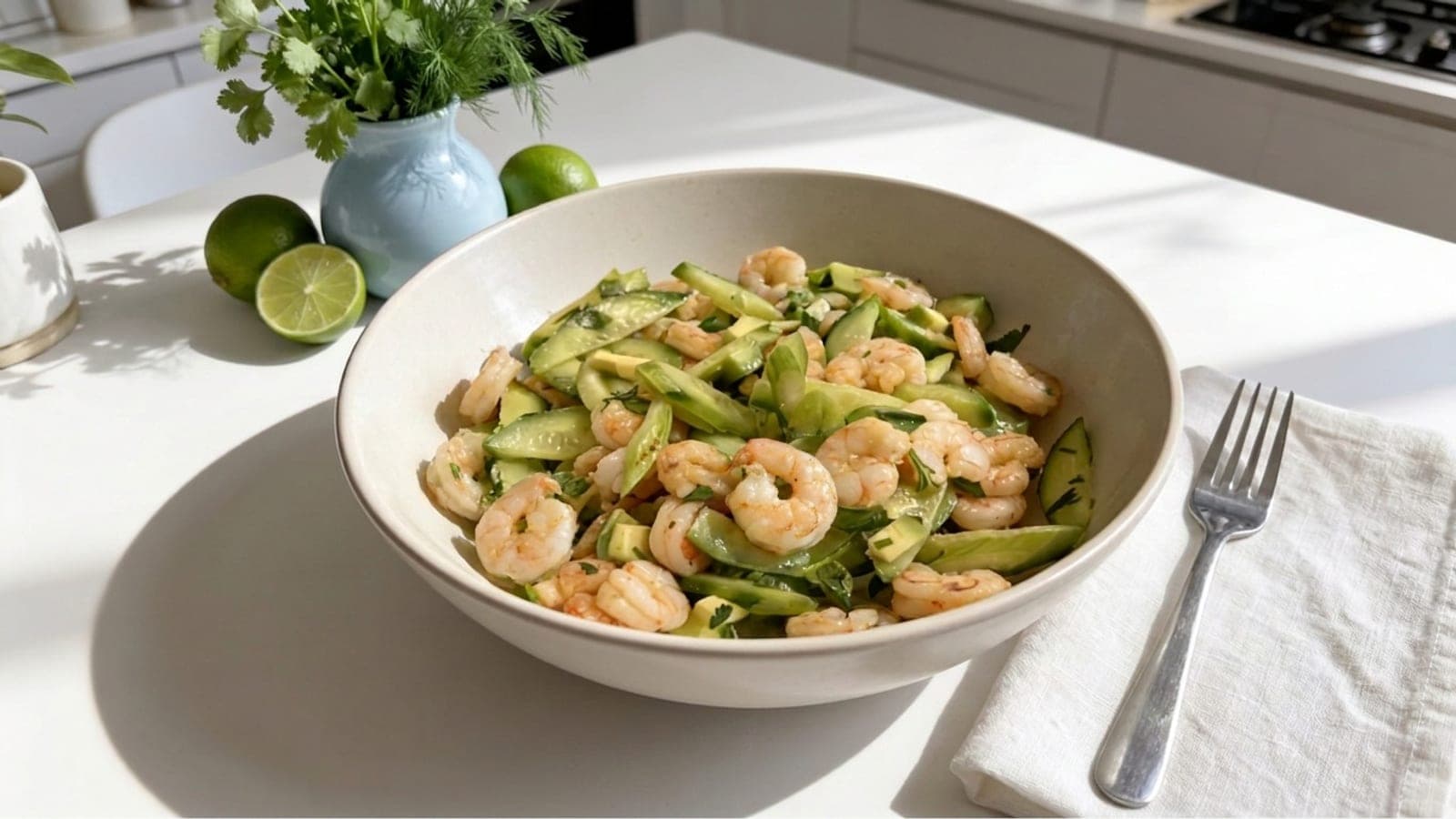
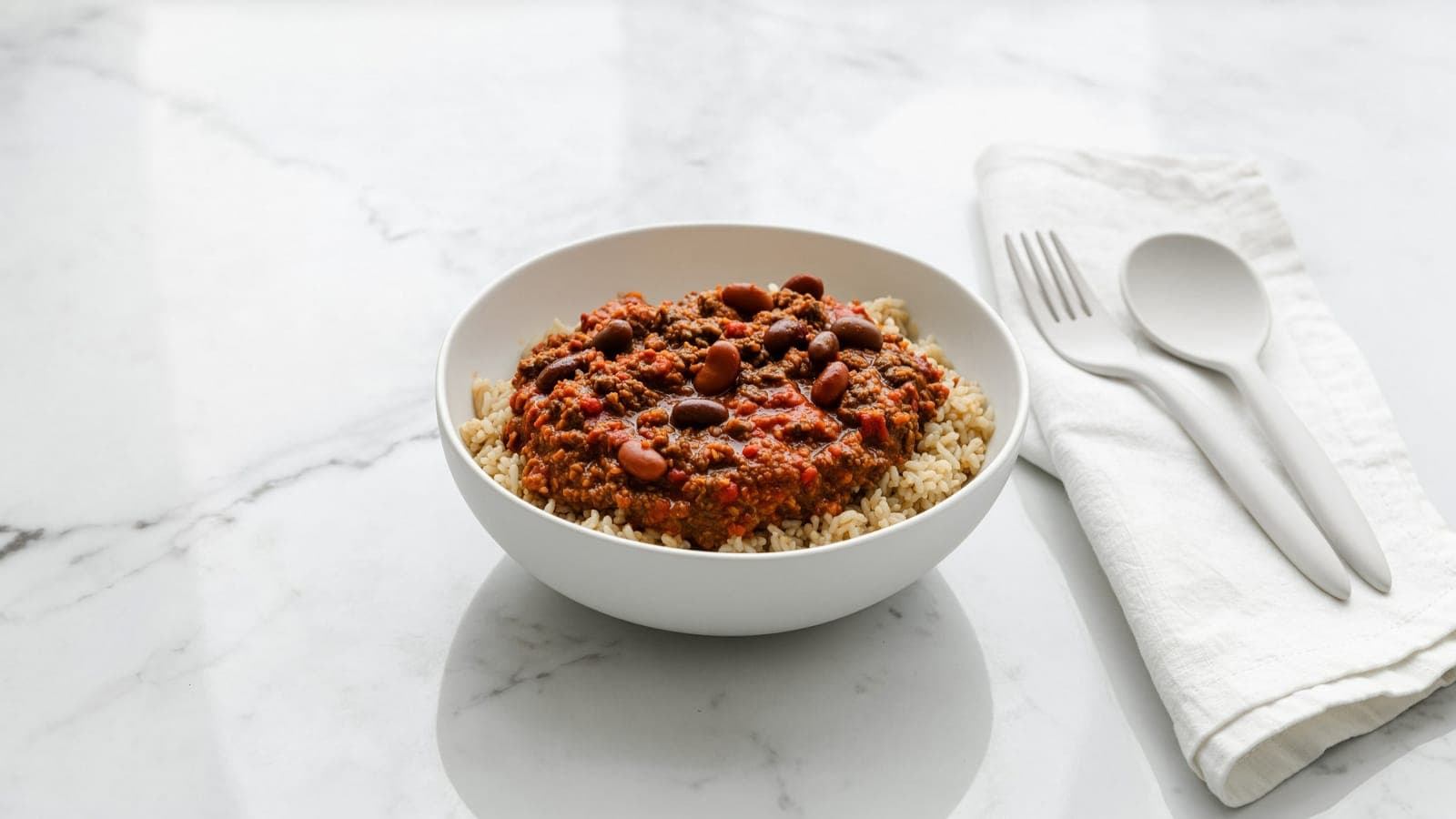
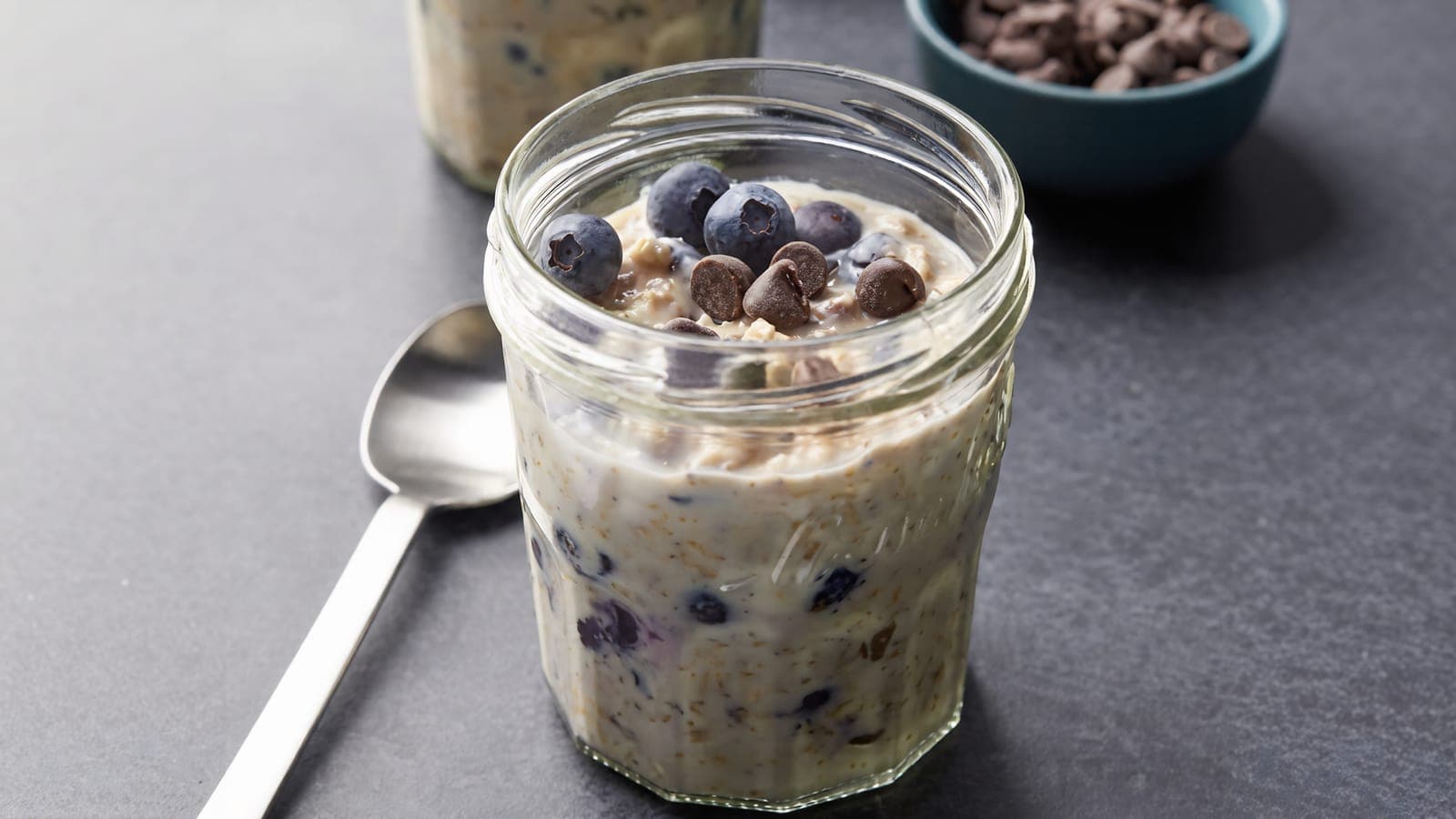
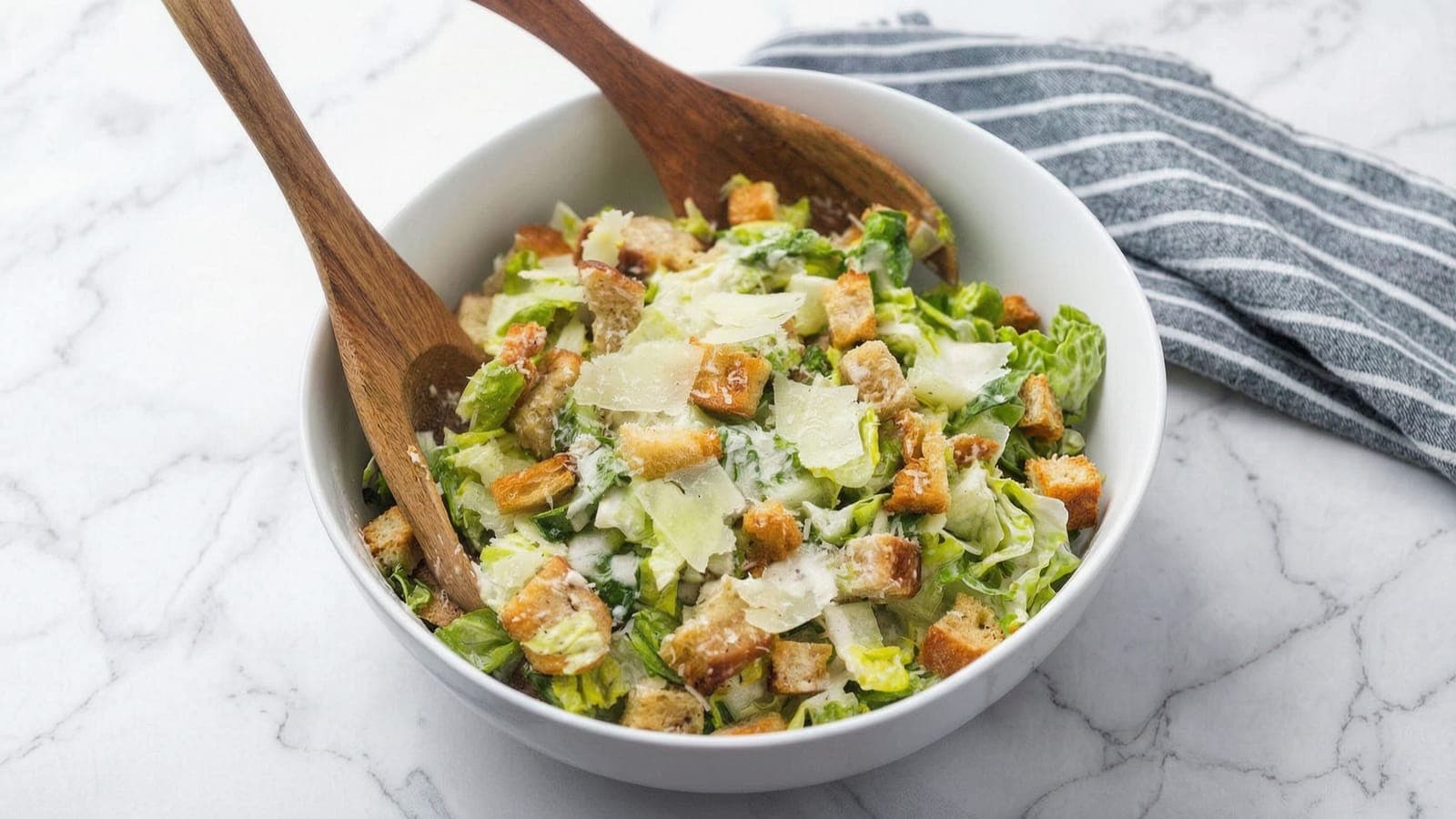
Real recipes you'll actually want to eat, Irish classics with an Italian twist. Every week comes with a shopping list and all the amounts worked out, so there's no calorie counting and no standing at the fridge wondering what to make.
Love. Eat. KeepFit. · free to get started
- ~30 min
- cooking per day
- 1 shop
- per week
- 0 calories
- to track
- 100%
- flexible meals
Sound familiar?

- Every evening you're standing at the fridge with no idea what to cook.
- You order a takeaway again because there's nothing in, and it adds up fast.
- Half the shopping goes off before you get round to using it.
- Calorie counting feels like homework you never signed up for.
One plan. Nothing left to decide.
Love Eat KeepFit gives you a ready made weekly food plan with the shopping list already done. The recipes are real food you'll want to eat, Irish favourites with an Italian twist, and every portion and calorie is worked out in advance, built around roughly 35% protein, 35% carbohydrates, and 30% fats. You just cook what's on the plan.
~35%
Protein
~35%
Carbs
~30%
Fats
You'll always know:
- What's for dinner tonight
- What to buy for the week ahead
- That the amounts and calories are already sorted, so there's nothing to add up yourself
This is not a personalised nutrition consultation or medical advice. It is a structured food plan designed to help you follow general healthy eating principles without daily decision making. Meals are designed around approximately 400 calories for main dishes and 200 calories for snacks.
How it works
- Step 2
Get your shopping list
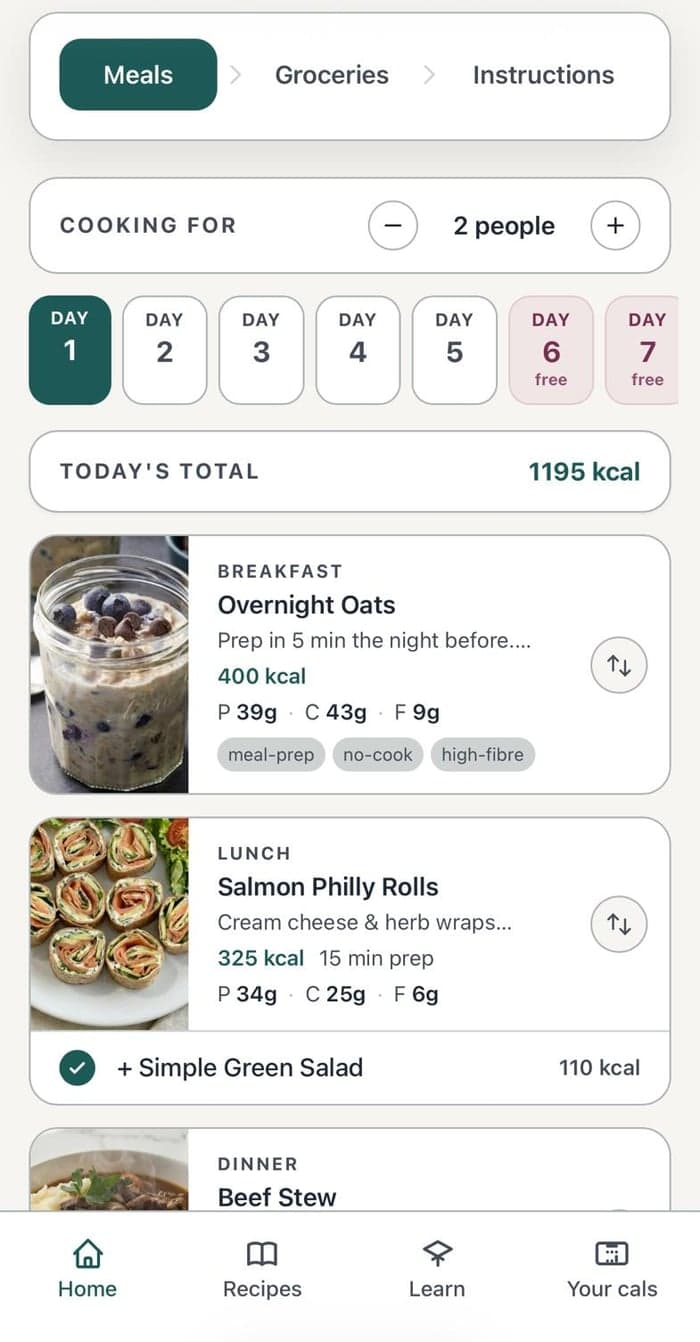
The app builds your full shopping list, with a cost estimate for however many people you're cooking for.
- Step 3
Shop and cook
Shop, hit Start your week, and follow the cooking instructions for morning, afternoon and evening.
Why it works
No more standing at the fridge
The plan tells you what's for dinner, day by day, so you never have to decide from scratch.
Time back in your day
One weekly shop, simple prep, and clear daily instructions mean less time in the kitchen.
Save money, waste less
You buy exactly what the week needs and nothing more. No wilting veg at the back of the fridge, no impulse takeaway because there was nothing in.
Calories and portions already sorted
Every meal is worked out in advance to fit your target, so there's nothing to weigh, log or add up yourself.
Always something good to eat
Your kitchen is stocked for real meals and quick snacks, so you're never stuck reaching for whatever's easiest.
Proper food, not diet food
Irish favourites with an Italian twist, the kind of food you'd actually choose to eat, not bland diet meals.
This is for you if...
- You want to eat well without weighing or logging everything that passes your lips.
- You are busy and can spare about 30 minutes a day for cooking and basic prep.
- You are tired of bland diet food and want meals you'll actually enjoy.
- You would rather follow a ready made plan than decide from scratch every day.
Not the right fit if...
You need a strict ketogenic plan
This is not a KETO diet. Love Eat KeepFit focuses on a sustainable, balanced approach rather than quick-fix diets.
You follow intermittent fasting
The app focuses on regular, balanced eating, typically three meals and two snacks a day, not fasting protocols.
You refuse to cook at all
Some minimal daily cooking and prep are needed. The goal is to respect your time and show that healthy food does not require hours in the kitchen.
Open the app on your phone
Scan the QR code with your phone camera, or tap the link below to open the app, then add it to your home screen so it works just like a native app.
Open the appiPhone / iPad
- Open the link in Safari
- Tap the Share button (square with arrow up)
- Tap Add to Home Screen
- Tap Add to confirm
Android
- Open the link in Chrome
- Tap the three dots menu (top right)
- Tap Add to Home screen
- Tap Add to confirm
A native app will be available to download once the beta version is fully tested.
Start Your First Week
Real food you'll enjoy, Irish favourites with an Italian twist. Your shopping list is ready and your week is planned, so there's nothing left to decide.
This service provides general food and meal-planning information, not personalised nutrition or medical advice. Please consult your doctor or a registered dietitian before making changes to your diet.
Follow us on Instagram
@love_eat_keepfit
Scan the QR code or tap here to follow, new recipes and tips every week.